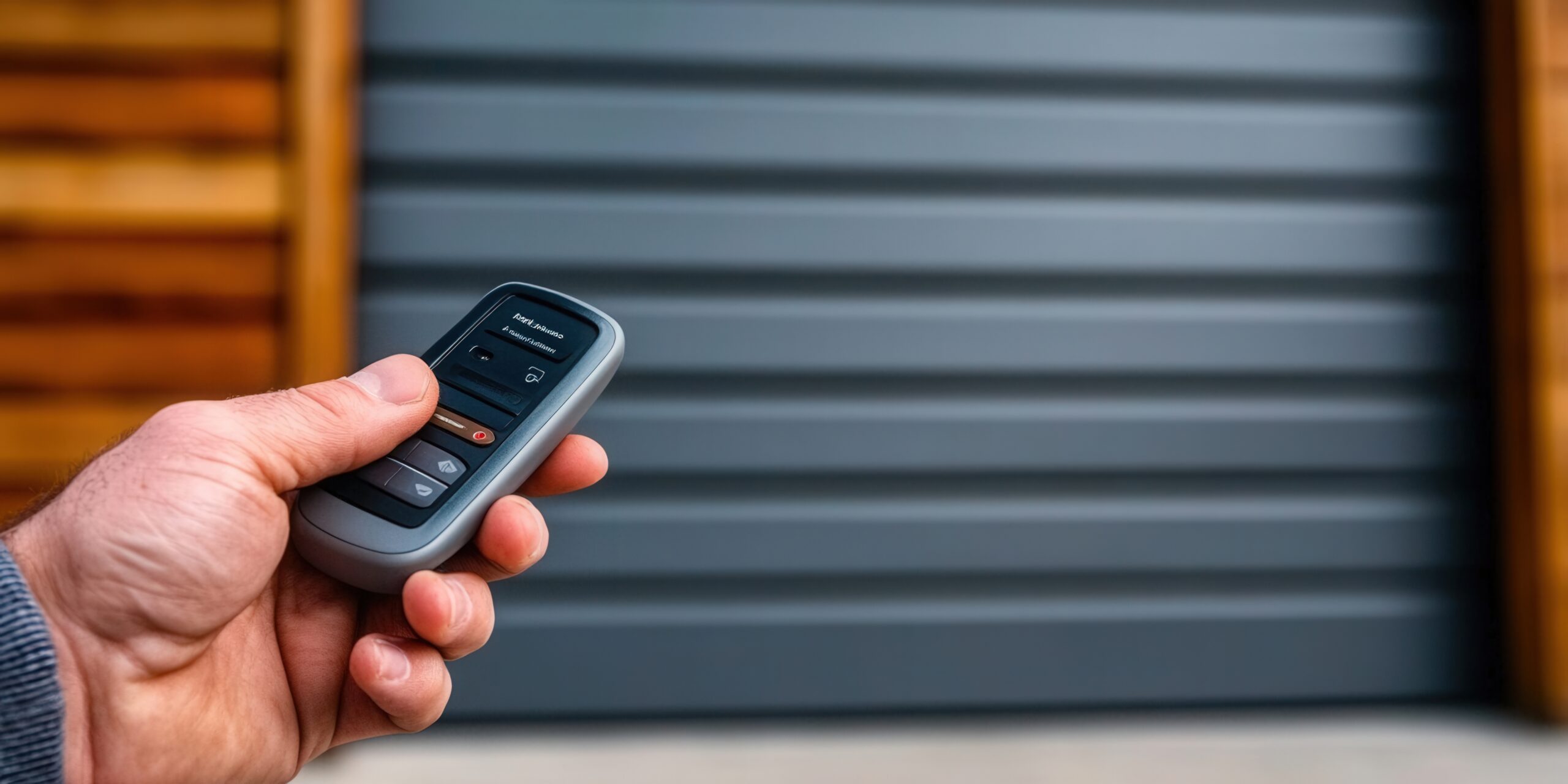
Many homeowners need to program garage door opener remotes and keypads for their homes. This process may seem complicated, but it’s quite straightforward with the right guidance. A top-rated garage door company in Warwick would recommend following these simple steps for success.
The process involves gathering basic tools, finding the right buttons, and testing your work. This guide walks you through each step to help you complete the job safely and correctly.
Gather Required Tools
Before you program garage door opener systems, collect the tools you need for the job. Get a ladder to reach the opener unit, your owner’s manual, and a flashlight for better lighting.
You’ll also want a pen and paper to write down codes or notes during setup. Check that your remote has fresh batteries before starting. Smart openers need internet access, so make sure your connection works properly.
Locate the Learn Button
Finding the Learn Button is your next step in the programming process. Look for the motor unit hanging from your garage ceiling, usually in the center area. The Learn Button sits on this unit and comes in different colors, like red, green, or black.
This button helps sync your remote with the opener system. Keep your remote close by when you find the Learn Button, as you’ll need both items for the next steps.
Clear Existing Programming
Clearing old codes helps prevent problems with your new setup. Find the Learn Button on your garage door opener motor unit first. Hold this button down for 10-15 seconds until the light blinks or turns off completely.
This action erases all previous remote and keypad codes from the system memory. Wait for the light to confirm the clearing process worked before moving forward with new programming.
Program Remote Control
Start by checking that your remote has working batteries for the best results. Here’s how to program your remote:
- Stand close enough to the garage door opener for good signal strength.
- Find the Learn Button on the opener motor unit.
- Press and release the Learn Button, then within 30 seconds, hold down the remote button until the opener light blinks.
Following these steps exactly will give you a working remote. A properly programmed remote makes using your garage much more convenient.
Program Keypad (If Applicable)
Setting up your keypad gives you another way to open your garage door. Press the learn button on the opener until the light blinks. Choose a personal PIN and enter it on the keypad, then press Enter or Send.
Watch for the opener light to flash or make a clicking sound. Test your keypad by entering your PIN and pressing Enter again. Keep your PIN private and don’t share it with people you don’t trust.
Test the Garage Door Opener
Testing your work confirms that everything operates correctly after programming. Press your remote button from inside your garage to check the connection. Here are three important things to watch during testing:
- Watch Door Movement: Make sure the door opens and closes smoothly without jerking or making strange sounds.
- Check Response Time: The door should move right away when you press the remote button.
- Test Safety Features: Put something in the door’s path to make sure it stops and reverses when it hits an object.
Related Topics:
Leave a Reply